Manage Late / Missing Reports
Manage Late / Missing Reports
- On the main fleet page, select Vessels -> navigate to the ellipsis icon and select Late / Missing Reports -> Select and enable the required data source.
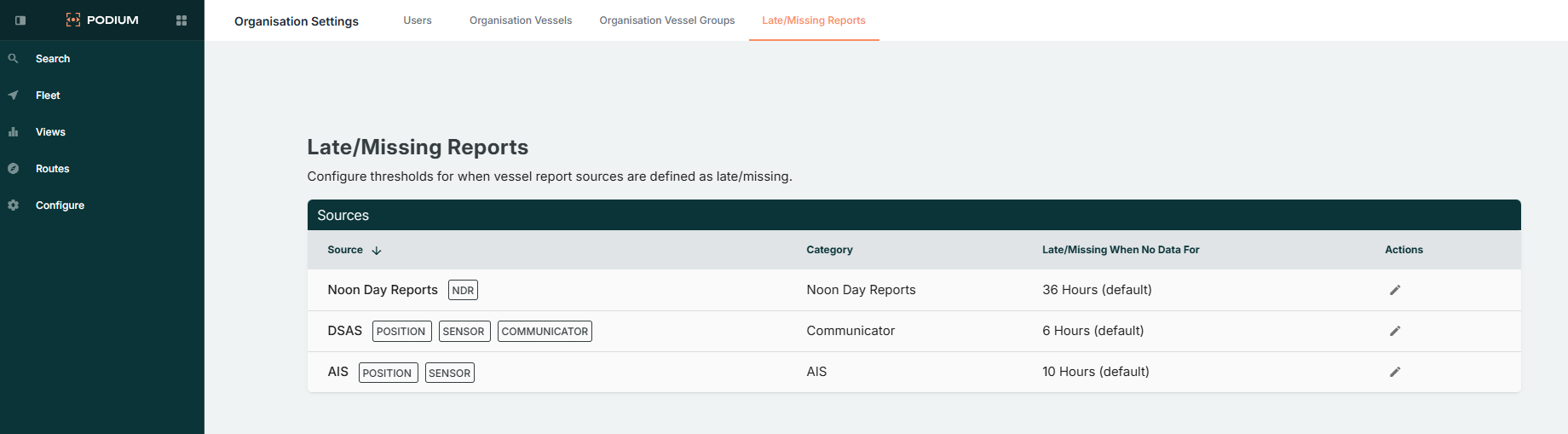
- Admin users can configure late or missing report notifications via:
Organisation Settings → Late / Missing Reports → Sources. - Set either a custom reporting interval trigger to define when alerts are generated, or can be left on the default setting.
Late or missing reports appear with warning indicators on the Fleet page and in vessel details.